vID Partner Admin Guide
Audience: CRA administrators responsible for user access, organization structure, and package configuration. Purpose: Explain what you can configure yourself and what requires a request to Cerebrum
The platforms
Platform | Address | What it does |
|---|---|---|
Cognition |
| Create and track verification invitations |
Cortex |
| View completed results and process flagged submissions |
Documentation |
| Product and API documentation |
Support portal |
| Submit and track requests |
Status page |
| Platform availability and incident notices |
Creating an account
Every user — including administrators — creates their own account. Accounts cannot be created on a user's behalf.
The process:
The user follows the account creation flow documented at
docs.cerebrum.com/docs/cognition-account-set-up.At the end of the flow, the user will see a limited role page. This is expected. New accounts are provisioned with base user permissions, which do not include access to the admin platforms, so the final redirect has no destination.
Once the user confirms with the Cerebrum Support Team that their account has been created, their permissions are elevated to the appropriate role.
The user logs in again and lands in the platform.
If a user still sees a 404 after their permissions are elevated: they have most likely reached the applicant-facing verification flow rather than the admin platform, and no invitation exists for their email address. Ask them to close all Cerebrum tabs and navigate directly to cortex.cerebrum.com or cognition.cerebrum.com.
If the verification code does not arrive: check quarantine and spam filtering. Corporate mail filtering is the usual cause.
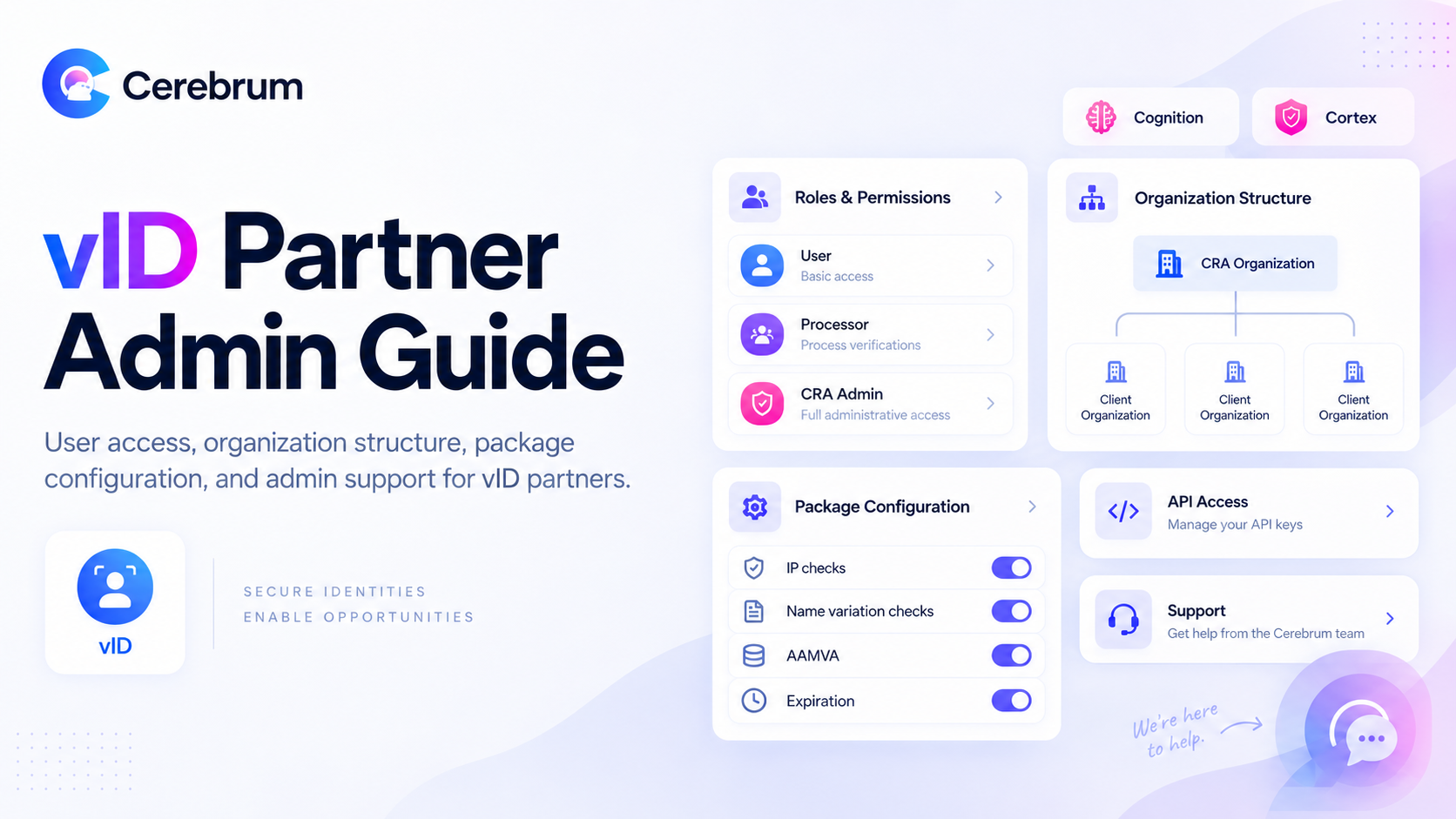
Roles and permissions
Role | Typical capability |
|---|---|
User | Base permissions assigned at account creation. No admin platform access. |
Processor | Review and process flagged submissions in Cortex. |
CRA Admin | Processor capability plus user and configuration management within scope. |
Requesting a role change. Submit the request through the support portal, including the user's email address and the organizations they need access to.
Organization structure
vID accounts are organized hierarchically:
CRA organization — your top-level account
Client organizations — one per end-user client, nested beneath your CRA organization
This structure supports per-client reporting, billing separation, and client-specific configuration.
Viewing across organizations. In Cortex, reviewers must select All Organizations to view submissions across all clients. A reviewer scoped to a single organization will not see orders belonging to others, which is a frequent cause of "I can't find this order" reports. Confirm reviewer scope before escalating a missing-order issue.
Creating client organizations. Organizations can be created programmatically via the API — see docs.cerebrum.com/reference. To have an organization created for you, submit an onboarding request through the form linked here.
Onboarding a new client. Complete the client onboarding form for each new client organization. To ensure the setup matches your intent, specify:
The exact client name as it should display to applicants, which may differ from the legal entity name
Whether the account is a parent with child accounts beneath it, and if so, the structure
Which packages the client requires
Whether the client will use an integration or a standalone flow
For Tazworks Clients: Child account relationships are not visible to Cerebrum through API-side configuration. If a client has child accounts, note this explicitly in the onboarding form.
Branding. Client logos can be applied at the organization level.
Package configuration
Packages define how verification behaves. Most settings are adjustable at both the account and package levels, allowing you to apply a house standard and override it per client.
Verification behavior
Setting | Effect |
|---|---|
Verification check depth and strictness | Controls how rigorously documents are evaluated. Stricter settings produce more manual review; looser settings produce fewer flags and faster turnaround. |
IP address checks | Enable or disable. Disabling removes the most common source of benign flags from applicants on corporate networks. |
Name variation checks | Enable or disable. Disabling removes flags for maiden names, suffixes, and similar benign differences. |
AAMVA dispatch | Enable manual AAMVA dispatch for the package. See the AAMVA Verification Guide. |
Tuning these settings is your primary lever for controlling manual review volume. If your reviewers are spending time clearing flags that your policy always clears, the corresponding check is a candidate for adjustment.
Invitation behavior
Setting | Effect |
|---|---|
Expiration Time | How long an invitation remains valid before it expires. |
ID Expiry Settings | How long an identity record is valid in the vID wallet |
Applicant communication
Setting | Effect |
|---|---|
Manual review notification | An optional email advising the applicant that their verification is still in progress and requires further review. Configured at the package level. |
We recommend enabling the manual review notifications for both the CRA and the applicant. Applicants routinely assume that completing the flow means they have been verified, and the absence of any message drives inbound contact from applicants to your support team.
To change any package setting, contact your Cerebrum representative or submit a request through the support portal.
API access
Generating an API key. An admin account is required. Follow the steps at https://docs.cerebrum.com/docs/create-an-api-key-in-cognition
Sandbox and test data. Test credentials and sample identity documents are available so your team can exercise pass and fail paths without using real personal data. Request them through the support portal.
Rate limiting. Integrations should batch requests appropriately. Aggressive polling or unbatched bulk submission can degrade service for all users, and rate limits are enforced on API integrations.
SSN handling. SSN values are redacted by default in API responses. If unredacted SSNs are needed, submit a request to Cerebrum via the support portal to upgrade your admin permissions.
Support
Submit requests at portal.cerebrum.com/support, signing in with your work email. The portal provides a single view of your open requests and their status.
Include in every request: the Cortex order ID or invite ID, the affected applicant's email address where relevant, and a description of the expected versus observed behavior.
Check status.cerebrum.com before reporting a suspected platform-wide issue.
Configuration options described here affect how identity verification results are produced and how much human review your team performs. Because those choices can bear on your obligations as a consumer reporting agency, we recommend reviewing your configuration standard with your legal counsel.
Was this helpful?